MovieBox App for Android
Enjoy movies, TV shows, and entertainment in one simple Android app. Download the MovieBox APK and get started with a clean and easy-to-use experience.
Download APK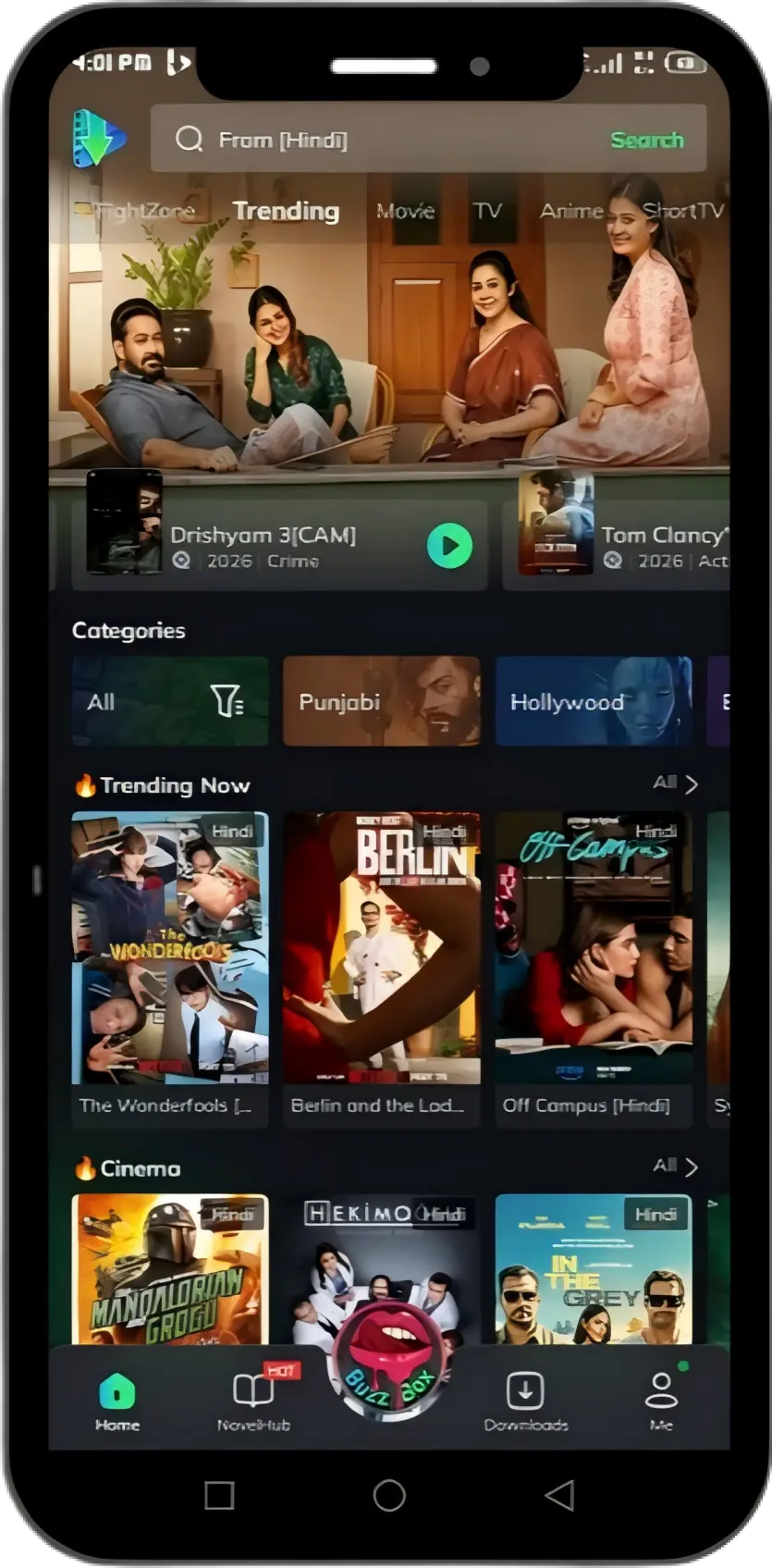
MovieBox APK
MovieBox APK is a third-party entertainment app that brings different types of video content into one place. Users can explore movies, TV shows, web series, anime, dramas, documentaries, and other entertainment through a simple interface. The app is mainly known among Android users who want an easy way to browse different categories without moving between many separate platforms. MovieBox also offers search tools, video quality choices, language options, and offline viewing features in supported versions. The main idea behind the app is simple: open it, choose something interesting, and start exploring without dealing with a complicated menu. Its layout is designed for both new and regular users, so most sections are easy to understand from the first visit.
What Is MovieBox APK?
MovieBox APK is a third-party streaming application that lets users discover and watch different types of entertainment from one interface. Its library may include new releases, older movies, TV programs, anime, regional content, dramas, and web series, depending on the available version. Instead of showing everything in one long list, MovieBox arranges content into sections that make browsing easier — users can search for a specific title or explore categories to find something new. Since it is a third-party app, Android users may need to install it manually instead of downloading it from Google Play.
Why People Use MovieBox APK
Many people want a simple entertainment app where they can explore more than one type of content. MovieBox appeals to these users because it combines different sections inside the same interface — so they don’t have to move between several apps just to find a movie, series, anime title, or drama. The app is also presented as free to use, which attracts users who don’t want another monthly subscription. Its simple search system, organized categories, and easy controls make it suitable for people who don’t want to spend much time learning how an app works. The overall experience focuses more on browsing and watching than on complicated setup.
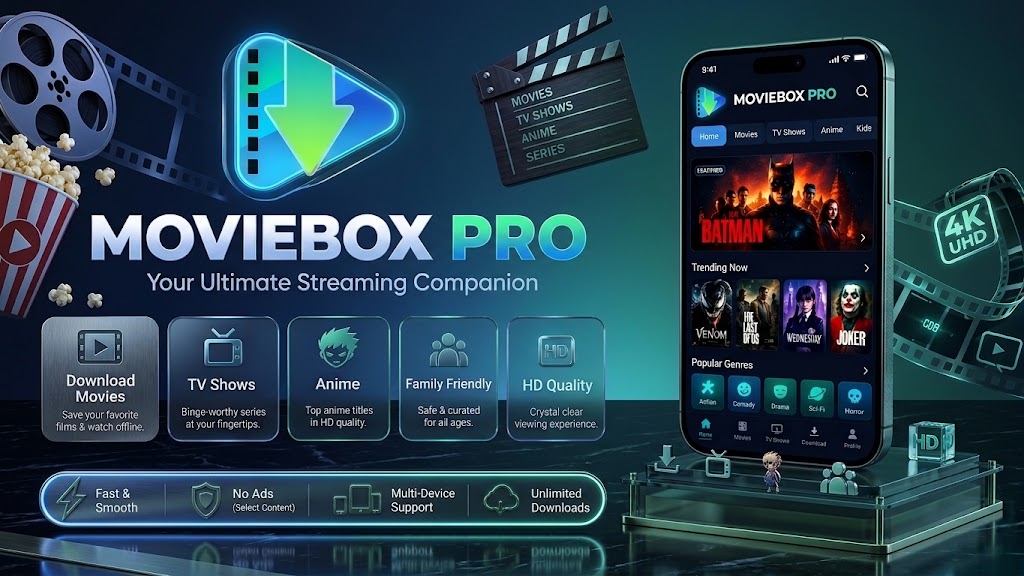
What Can You Watch on MovieBox APK?
MovieBox is not limited to one type of entertainment. Its content can cover several categories, which gives users more choice depending on their mood and interests. The exact library may change over time and can also depend on the app version or region.
Content commonly mentioned in the supplied MovieBox material includes:
The source material specifically mentions Hollywood, Bollywood, Korean dramas, regional entertainment, movies, anime, TV shows, and live channels among the available categories. What is MovieBox.docx..1
Main Features of MovieBox APK
MovieBox includes several tools that are designed to make browsing and watching easier. Some features may change between releases, so users should always check what is available in the version installed on their device.
Main MovieBox features include:
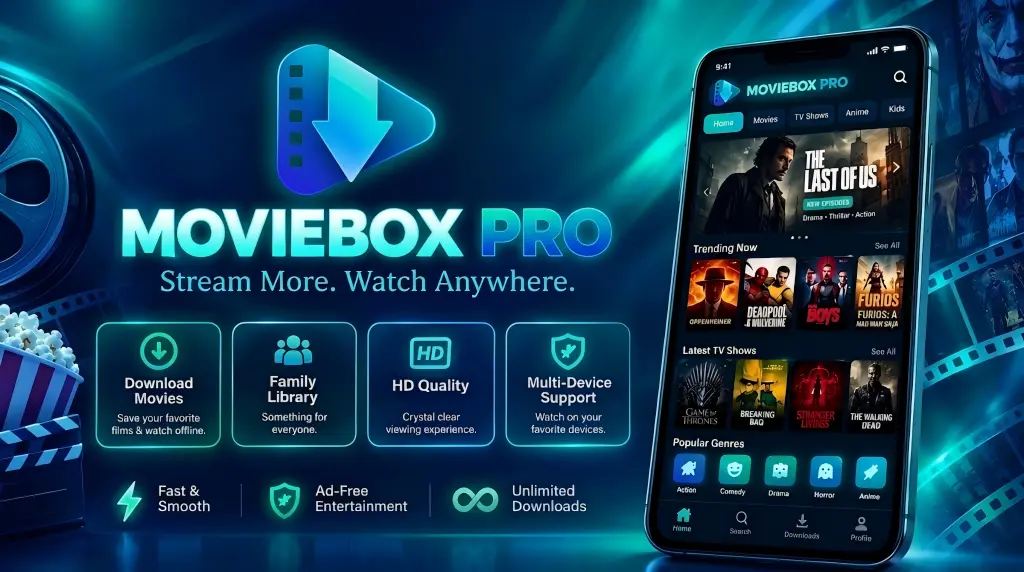
These features are covered across both reference articles, including search, offline viewing, subtitles, language support, built-in playback, categories, and watchlist tools.
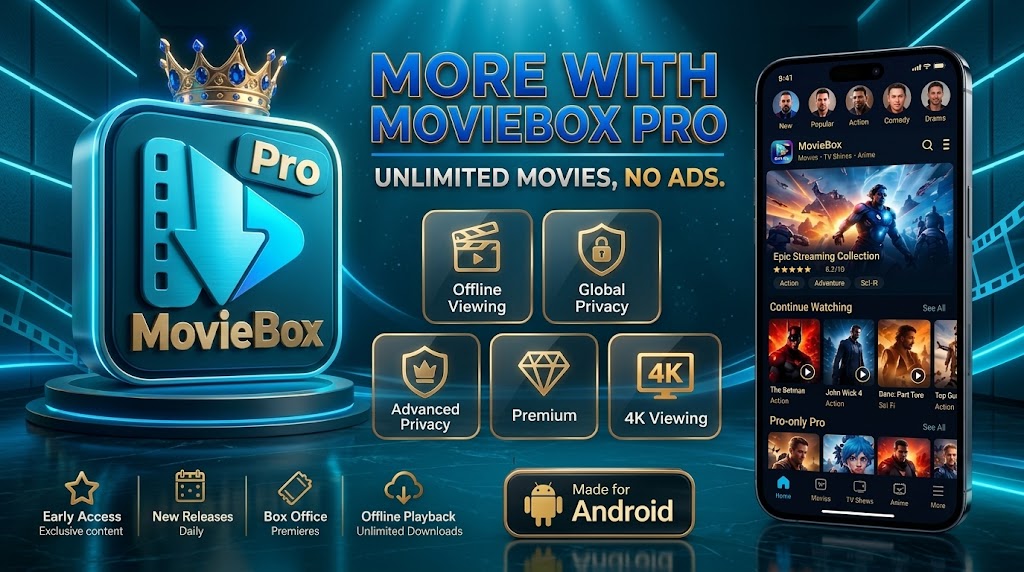
Easy Search and Content Discovery
A large entertainment library is only helpful when users can find what they want without wasting time, so MovieBox includes a search option along with organized content sections. If you know the exact title, you can type the name into the search field and look for it directly. If you are not sure what to watch, categories can help you browse action, comedy, romance, drama, anime, documentaries, and other types of entertainment. This combination is useful because not every user opens a streaming app with a specific movie in mind. Some people prefer to look through posters or popular sections until something catches their attention, while others want to reach a particular title as quickly as possible.
Video Quality Options
Internet speed can change throughout the day, especially when users switch between Wi-Fi and mobile data, so having more than one video quality option can make streaming more practical. The MovieBox material describes support for HD and Full HD playback, while some versions may provide higher-quality choices for supported videos. What is MovieBox.docx..1 A higher setting can provide a sharper picture when the connection is strong, while a lower setting may load more smoothly on slower networks and can use less data. The best choice depends on the device, internet connection, screen size, and available quality for the selected title, so users do not always need to select the highest setting.
Offline Viewing
MovieBox can offer an offline viewing option for supported content, which is useful for users who cannot stay connected to the internet all the time. A movie or episode can be saved while a stable connection is available and watched later during travel, in an area with weak internet, or when the user wants to reduce mobile data use. The supplied articles describe an in-app download process where users select content, choose available audio or video settings, and then allow the download to continue in the background. What Is a MovieBox Pro App.docx… Offline availability can vary between titles and versions, so users should not expect every item in the library to support downloading.
Simple and Beginner-Friendly Interface
MovieBox APK uses a layout that is designed to be easy to understand, even for people who have not used many streaming apps before. The reference material describes a dark-style home screen with content posters, rows for browsing, search options, a watchlist, and settings. What Is a MovieBox Pro App.docx… These familiar elements help reduce confusion because users can quickly understand where to search, where to find saved content, and where to change basic options. A simple interface is especially important in an entertainment app because most people want to spend their time choosing something to watch rather than trying to understand complicated menus or hidden controls.
Built-In Video Player
The built-in player allows users to control video playback directly inside MovieBox without needing to open another application for normal viewing. According to the source material, the player includes familiar controls such as pause, resume, forward, and volume adjustment. What Is a MovieBox Pro App.docx… A built-in player makes the experience feel more connected because users can browse the library, open a title, and control playback from the same app. Available controls can still change depending on the version, but the general purpose remains the same: give viewers the basic tools they need while watching without making the process unnecessarily complicated.
Subtitles and Audio Languages
Movies and series from other countries are much easier to follow when subtitle and audio choices are available, and MovieBox supports these options for selected content. The supplied reference material mentions multiple audio languages and subtitle support, which can help people enjoy international movies, anime, dramas, and other programs. What Is a MovieBox Pro App.docx… Subtitle availability may depend on the title, and not every video will necessarily offer the same languages. Some versions may also provide basic subtitle customization, allowing viewers to make text easier to read. These features are especially useful for users who regularly watch entertainment produced in languages other than their own.
Watchlist and Movie Information
Finding an interesting movie does not always mean you want to watch it immediately, so a watchlist gives users a simple way to save titles for another day. The reference article describes the watchlist as a place where users can keep movies they want to return to later instead of searching for the same titles again. What Is a MovieBox Pro App.docx… MovieBox may also show supporting information such as trailers, cast details, short descriptions, or ratings for some titles, which can help users understand what a movie is about before starting it. These small tools make browsing easier because users can compare their options and keep track of interesting content without needing to remember every title.
MovieBox APK on Different Devices
MovieBox is mainly associated with Android, but the source articles also discuss using the service on other devices through different methods. PC users may be able to run the Android application through a compatible emulator, while some Android TV or Fire TV devices can support Android-based apps in a different way. The reference material also mentions smart TVs, Fire TV, iPhone, iPad, Roku, casting, and screen mirroring. What Is a MovieBox Pro App.docx… However, one installation method should not be used for every platform because Android APK files are designed for Android systems. iPhones use a different app format, and devices such as Roku may rely on casting or screen mirroring instead of direct APK installation.
Important Things to Know Before Using MovieBox
MovieBox APK is described in the supplied material as a third-party application, which means users should approach installation differently from a normal Play Store download. What is MovieBox.docx..1 The file should be checked before installation, unnecessary permissions should not be approved, and users should make sure they are installing the correct version for their device. The availability of features and content may also change between versions, devices, and locations. Because third-party streaming services may carry content from different sources, users should also understand the rules and laws that apply in their own region. These basic checks make more sense than assuming every APK file or every version found online is identical.
Important: Features, available titles, video quality, and device support can change between MovieBox releases.
Advantages and Limitations of MovieBox APK
Advantages:
Limitations:
Tips for First-Time Users
Useful tips:
FAQs
Final Words
MovieBox APK brings different types of entertainment into one easy-to-browse interface and includes useful tools such as search, organized categories, video quality options, subtitles, offline viewing, a watchlist, and built-in playback. Its simple layout can make it easy for new users to understand, while its broad content structure gives regular viewers plenty of categories to explore. At the same time, MovieBox is a third-party application, so users should pay attention to the file they install, the permissions they approve, and the version they are using. Knowing these details before downloading helps users understand what the app offers and what they should check before using it.